-
E-mail
qianjuan@laserdl.cn
-
Phone
13451510854
-
Address
Building A1, Phase 1.1, Intelligent Manufacturing Industrial Park, Dachang Hui Autonomous County, Langfang City, Hebei Province
Deresheke (Langfang) Technology Co., Ltd
Chasing Light Classroom | How to Maintain a Solar Simulator Partner in Daily Life? Maintenance Guide for Component Transient I-V Tester
Date: 2025-10-11Read: 3
The transient I-V tester for photovoltaic modules is the core equipment that controls the power generation performance of photovoltaic modules and safeguards the factory quality defense line,Every precise I-V characteristic data is a key basis for determining component power, efficiency, and reliability.
Proper maintenance of it is not a trivial matter, but a tangible value protection: regular inspection and calibration can identify potential hazards in advance, reduce sudden failures and shutdowns, and avoid disrupting the rhythm of component batch testing; Scientific maintenance can slow down the wear and aging of core components, extend the service life of equipment, and reduce maintenance and replacement costs in the long run; More importantly, continuous maintenance can keep the equipment in efficient operation, maintain stable detection accuracy, and work seamlessly with the solar simulator to improve the overall efficiency and data reliability of component testing.
Do you want this pair of "testing partners" to maintain stable output and safeguard the quality of photovoltaic modules? Below, we will outline the targeted maintenance process for the transient I-V tester of components, helping you easily maintain the equipment and make the testing work smoother!
routine maintenance
Infrared temperature probe
The infrared temperature probe should be kept clean and unobstructed, with no offset in position. Excessive dust accumulation can affect the accuracy of temperature measurement.

record data
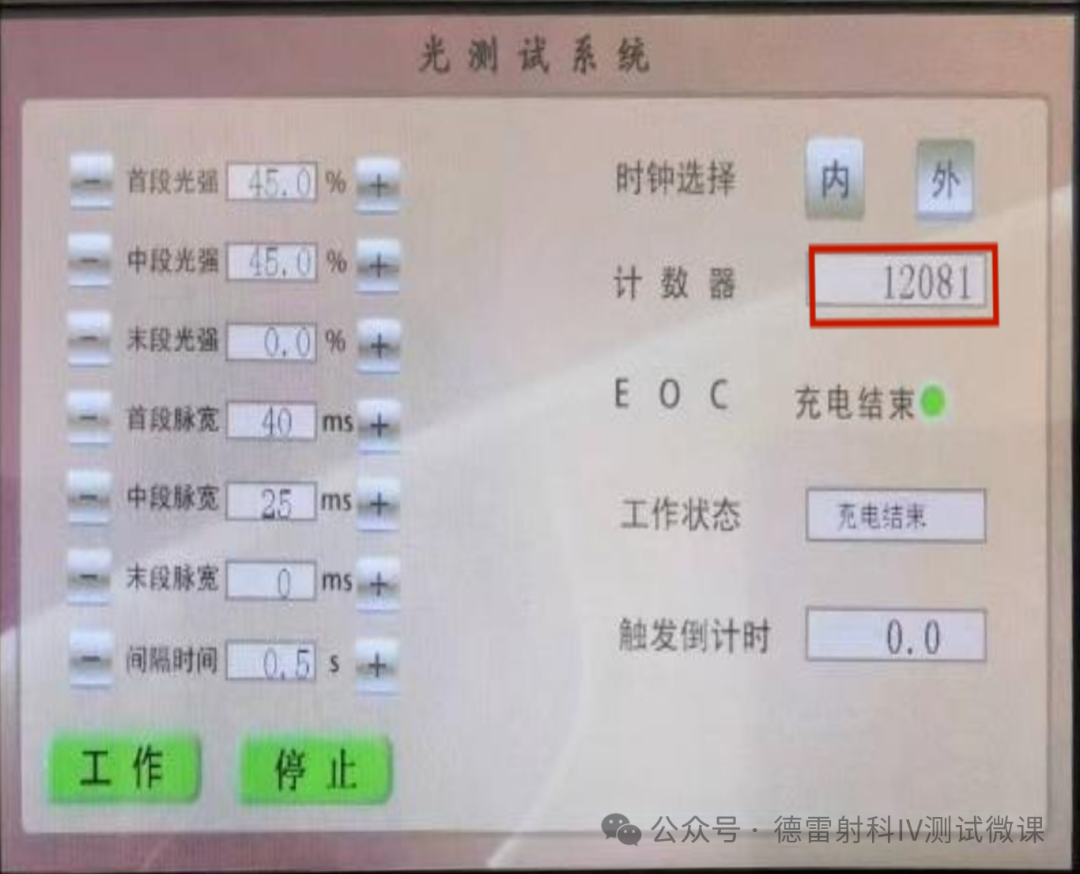
Record the number of times the xenon lamp is used and replace it as soon as it reaches its service life. Xenon lamp aging can easily affect the stability of light intensity.
Standard/Feedback Battery
Standard battery, feedback battery maintains horizontal cleanliness without obstruction.

filter
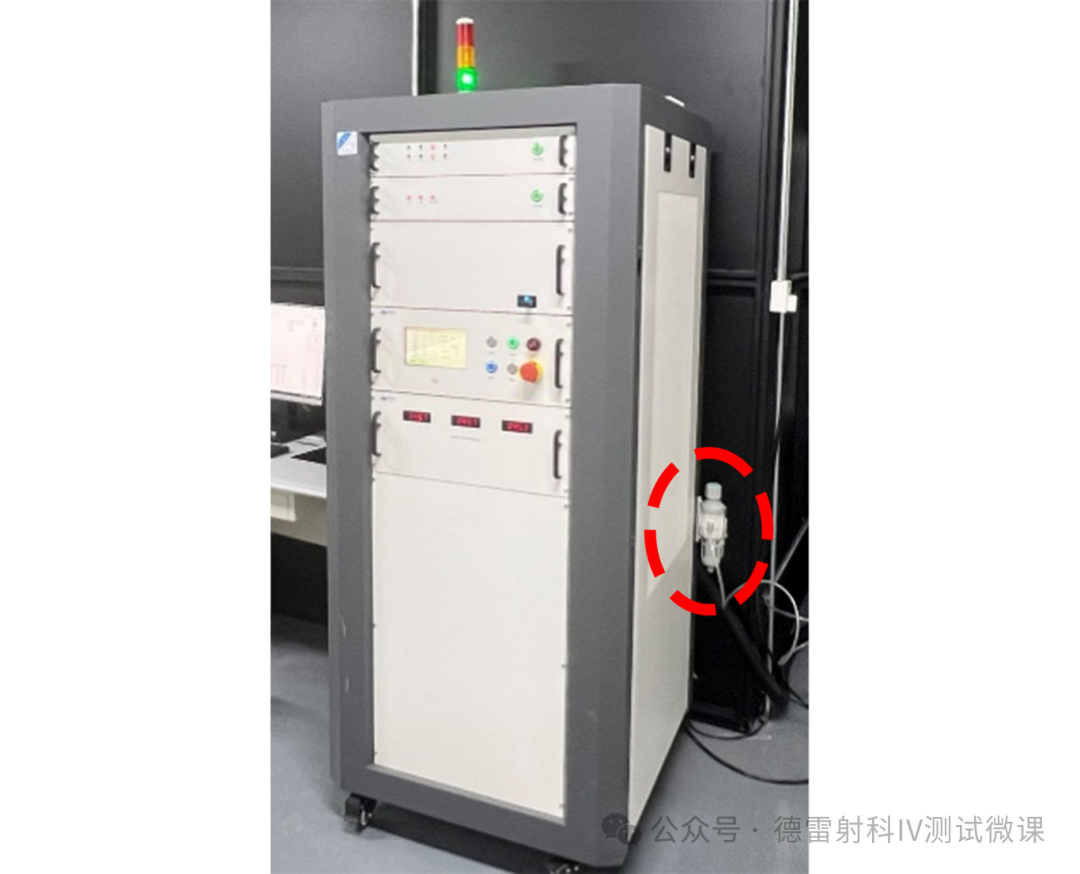
The air pressure of the filter is normal0.3Mpa-0.4MpaWhen there is a large amount of filtered liquid stored at the bottom, it needs to be cleaned in a timely manner. Low air pressure can cause the xenon lamp temperature to be too high, resulting in faults such as xenon lamp leakage and flashing.
barcode scanner
The bracket of the barcode scanner is securely fastened without any looseness, with no displacement in position, and the scanner should not obstruct the components as much as possible.

Monthly maintenance
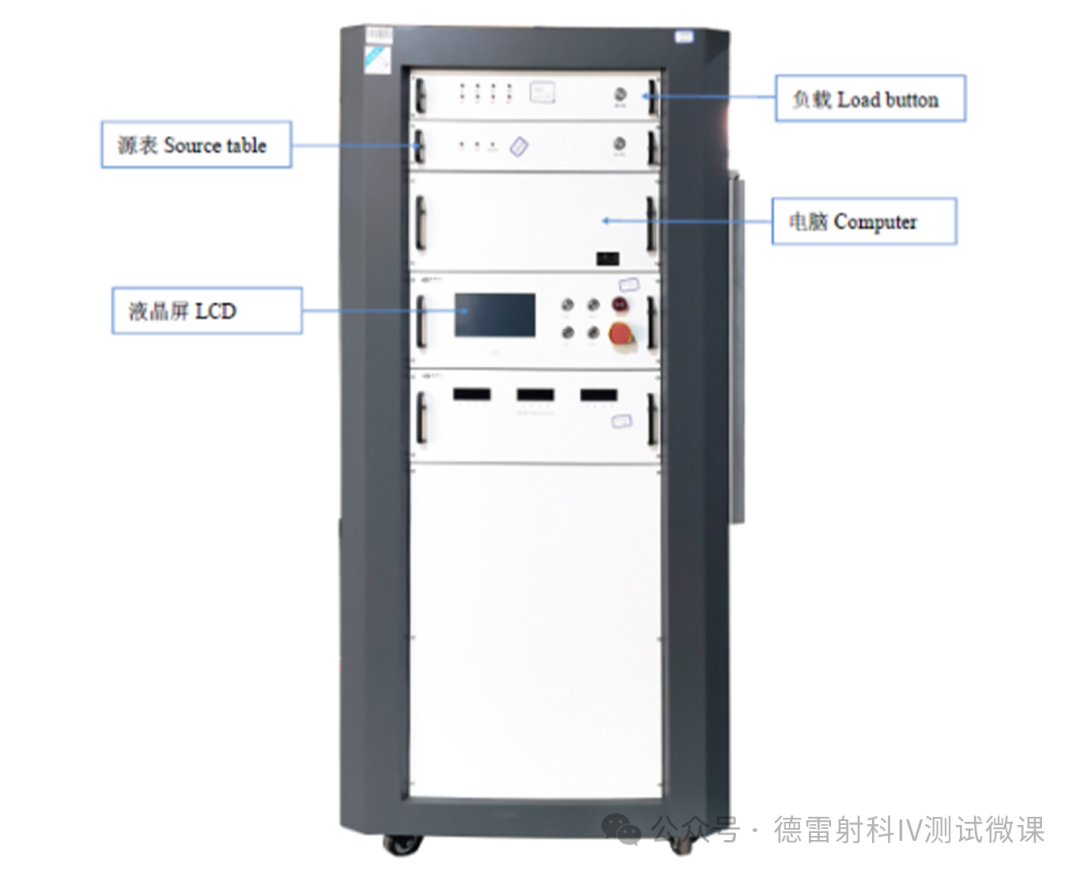
load box
Open the cover plate of the load box, blow away the dust inside with compressed air to ensure that the interior is dry and clean, check whether the circuit boards and connectors are firm, and restore them after completion.
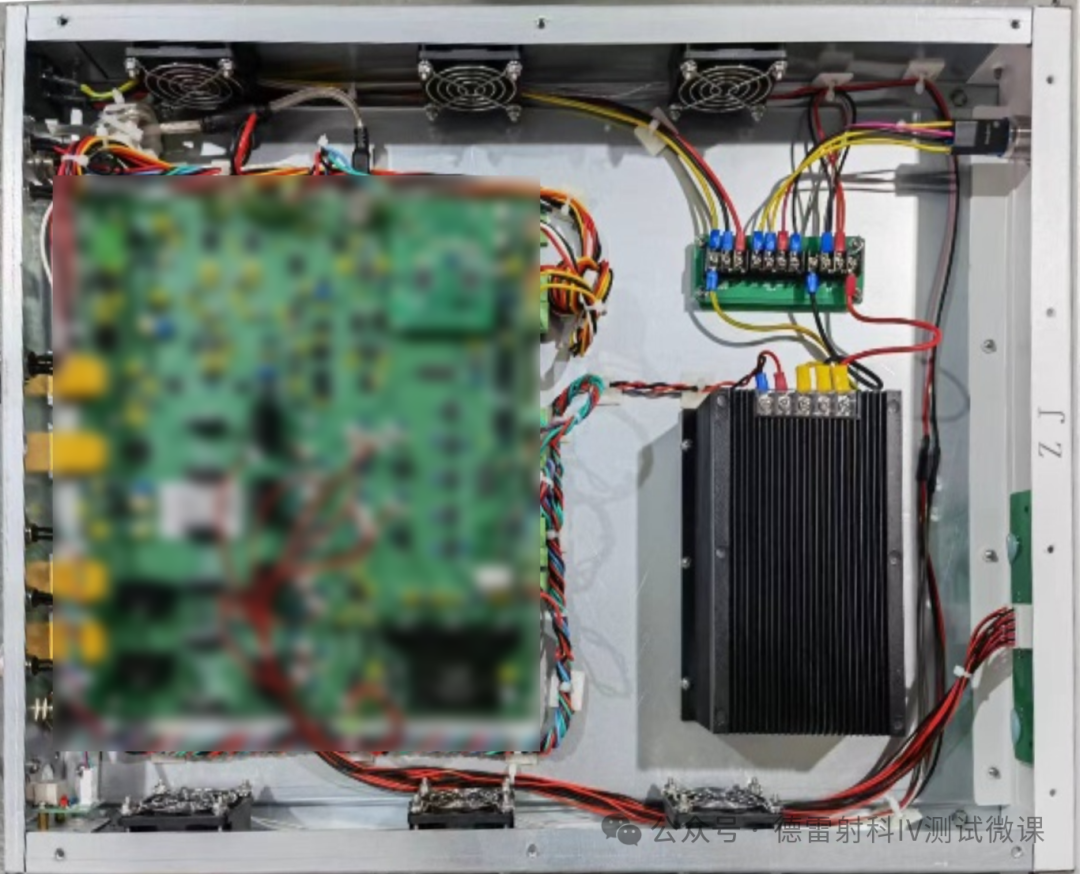
Bias box
Open the top cover of the box and use compressed air to blow away the internal dust and fan blade dust, ensuring that the interior is dry and clean. Check if the circuit board components and connectors are secure, and restore them after completion.

computer
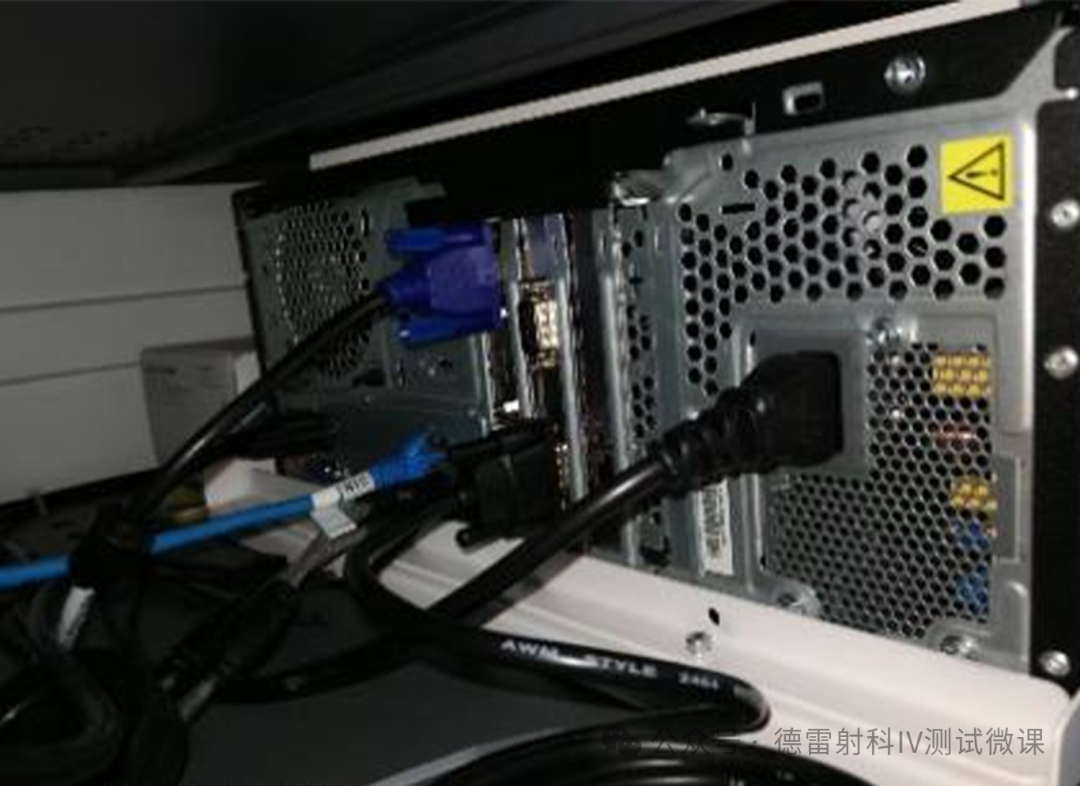
Open the computer cover, blow the dust inside with compressed air, blow the cooling fan blades to ensure that the inside is dry and clean, check whether the circuit boards and connectors are firm, and restore them after completion.
High voltage power box
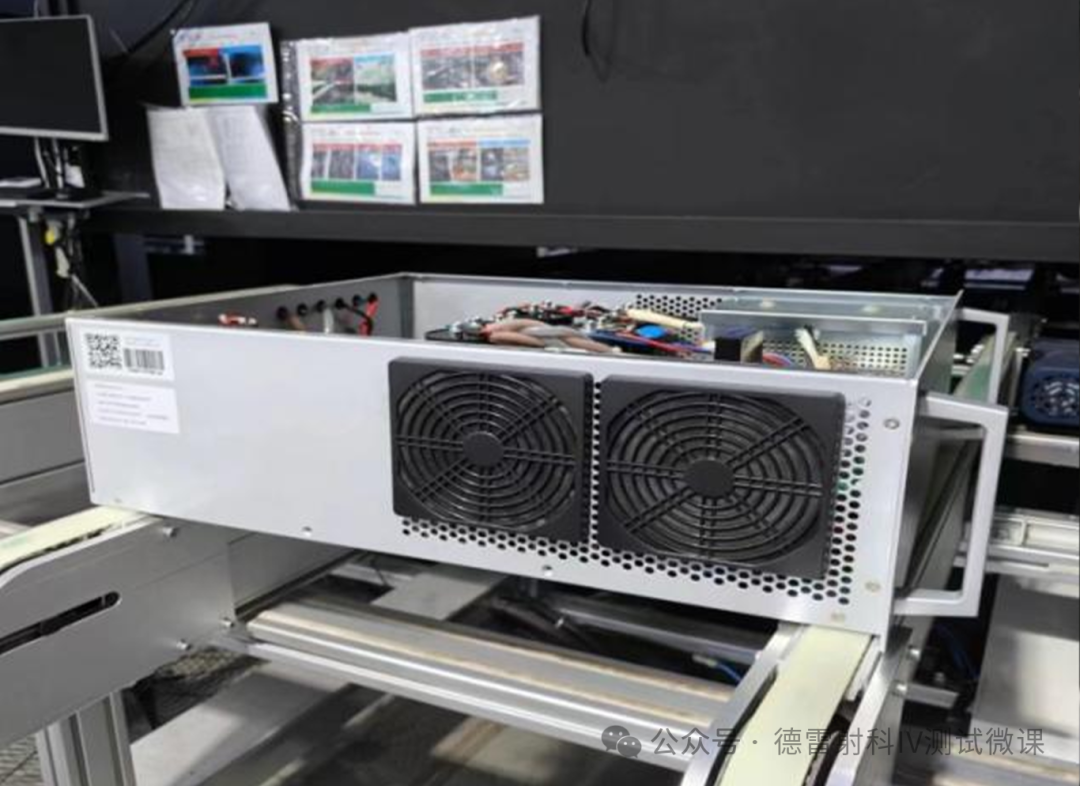
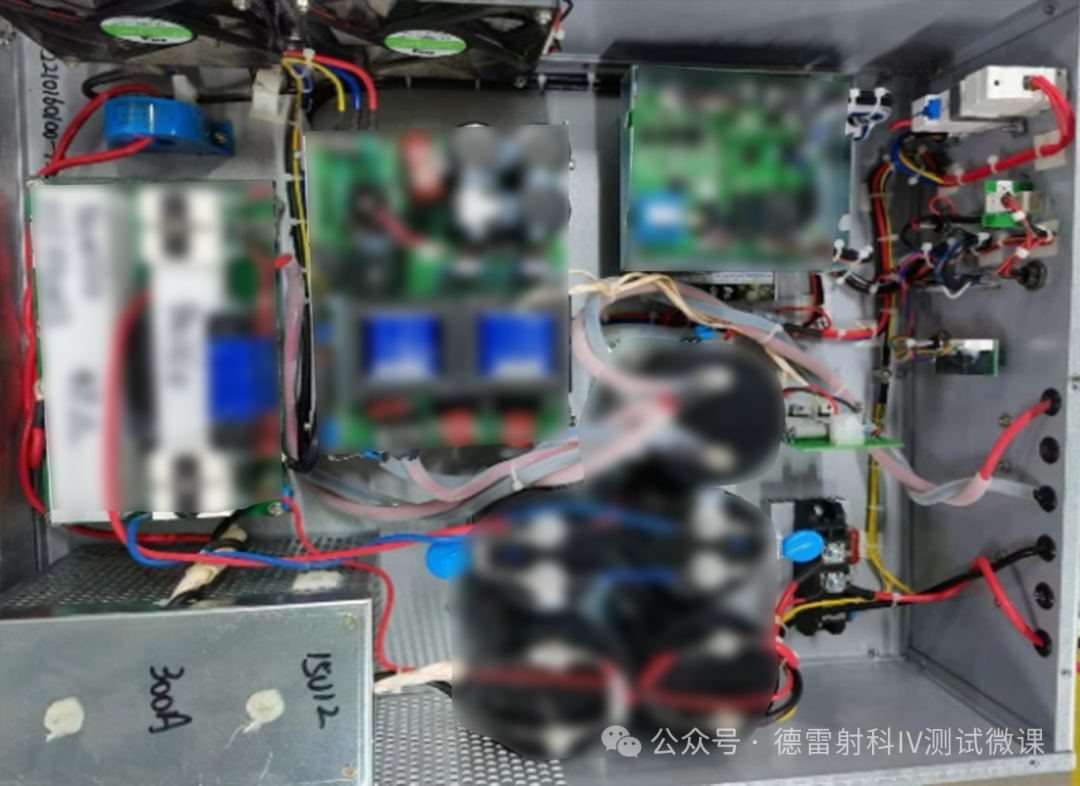
Open the upper cover of the power supply and use compressed air to blow away the internal dust, ensuring that the interior is dry and clean. Excessive dust accumulation can cause short circuits in internal electronic components, etc; Use compressed air to blow the power supply intake filter and fan blades, check if the circuit board and connectors are loose, and if the filter cotton in the power supply fan cover has accumulated dust, which leads to poor heat dissipation of the power supply. Regularly open the fan cover to clean the filter cotton, and regularly clean the dust inside the power supply to ensure the working environment of the power supply.
Lamp holder and lamp head
Use compressed air to blow away dust from the lamp pole pressure contacts and fixed PTFE parts. Stubborn stains can be cleaned with a brush or wiped with a towel dipped in alcohol. Check the lamp pole bolts to ensure they are securely fastened,Reflective boardBlow with compressed air, and wipe stubborn stains with a dust-free cloth dipped in alcohol.

optical filter
When replacing the lamp tube, check for foreign objects on the filter, which can affect the spectrum and uniformity. Regularly clean the filter, wipe both sides of the filter with alcohol and a dust-free cloth. Excessive dust on the filter can reduce the light efficiency and cause hidden dangers such as increased power supply current. Ensure that the front and back of the filter are clean and do not affect the spectrum to ensure normal testing data of the equipment.

cabinet
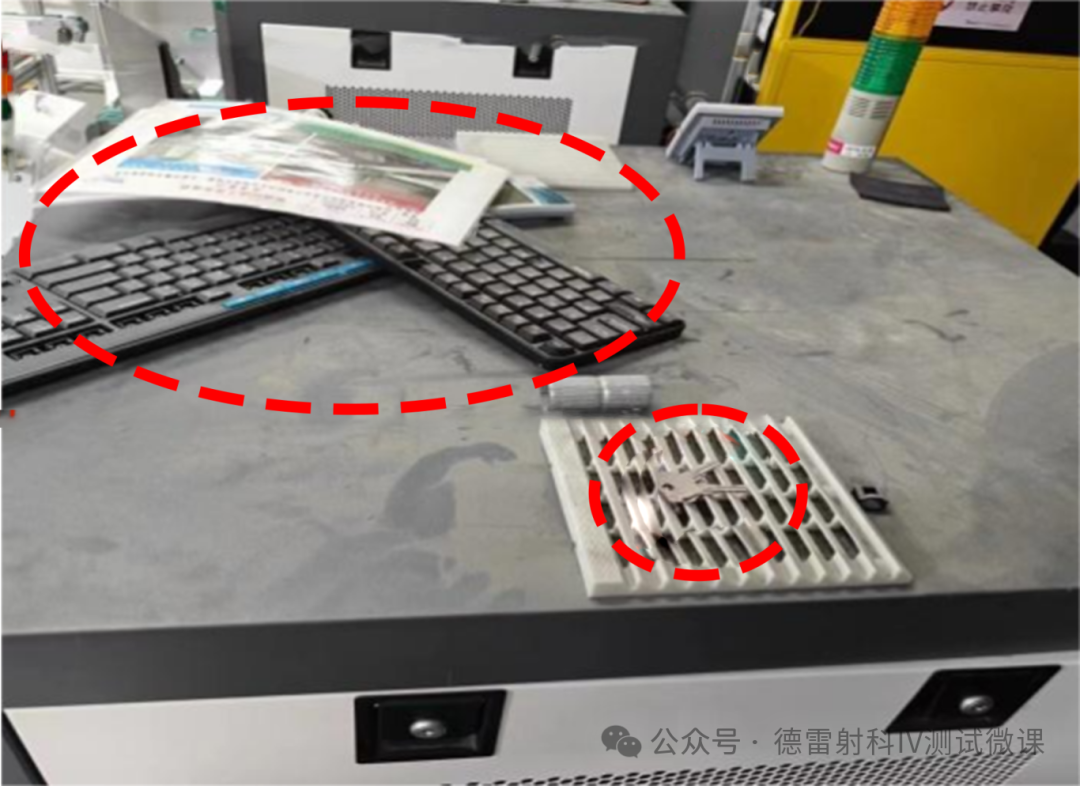
Open the grille cover of the cooling fan on the top of the cabinet, and use compressed air to blow away the accumulated dust on the fan blades from the inside to the outside. The filter cotton and cover can also be cleaned with compressed air. The filter cotton can be removed or torn in the middle to reduce thickness and increase air outlet speed to improve heat dissipation capacity.
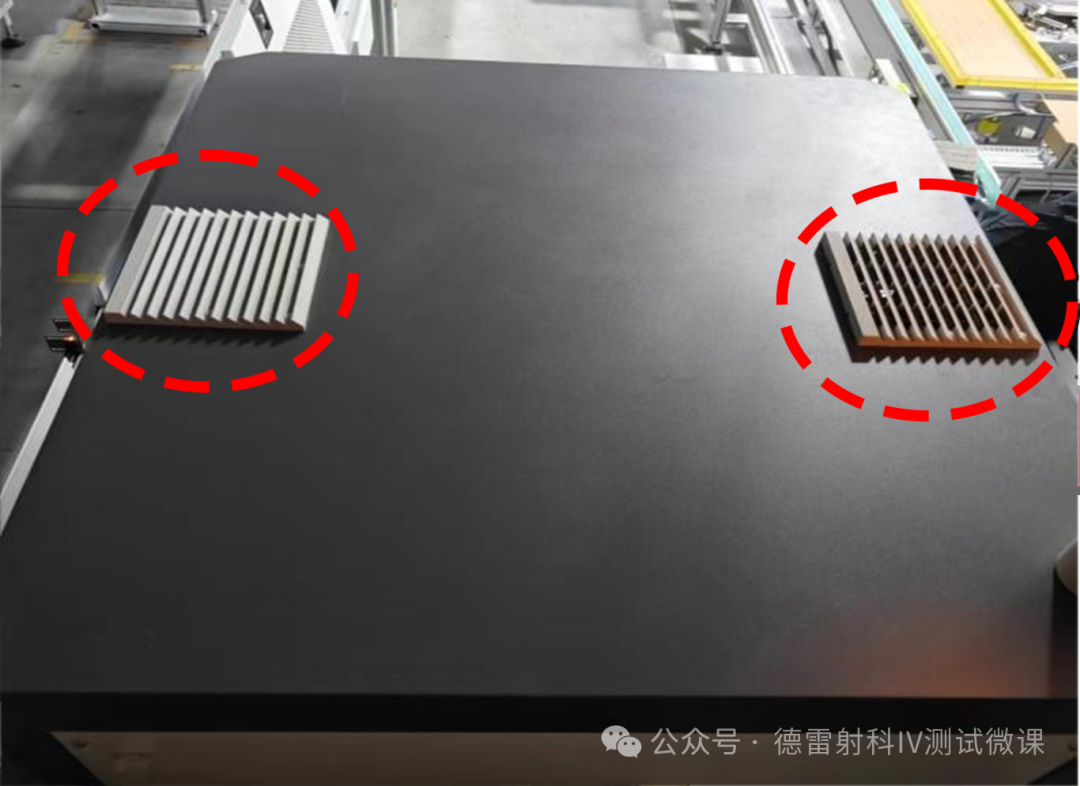
Do not store miscellaneous items inside the electrical cabinet, as it will affect equipment heat dissipation. The top of the computer host will also affect heat dissipation. Do not block the air outlet heat dissipation on the top of the electrical cabinet.

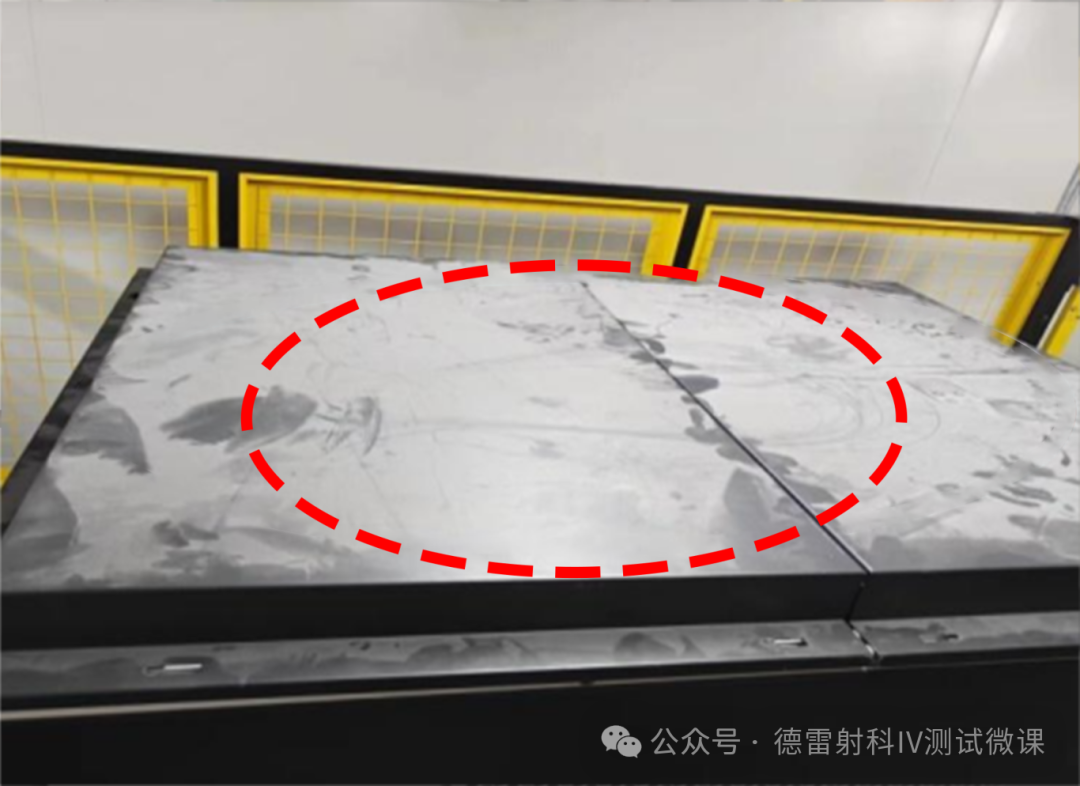
Top area of darkroom
Take away the garbage in a timely manner after replacing the lamp tube, regularly clean and inspect the cleanliness of the top of the darkroom, and prohibit other unrelated personnel from entering the top of the darkroom.

-
Ensure proper heat dissipation of all components inside the electrical cabinet and avoid stacking debris.
-
Ensure that the top air outlet of the electrical cabinet is unobstructed by debris and remove the filter cotton inside the fan cover.
-
If conditions permit, clean the dust inside the power supply every month and clean the filter cotton inside the fan cover. If conditions do not permit, clean the power supply inside every 3 months and clean the filter cotton inside the fan cover in a timely manner. (Note: After cleaning the interior of the power supply, it should be left to rest for two hours before being powered on to avoid unnecessary hazards)
-
Keep the top of the darkroom clean to prevent excessive dust from entering the lamp head and affecting the test results. After replacing the lamp, take away the garbage in a timely manner.
-
After replacing the lamp tube, carefully check whether there are any impurities on the filter, and regularly clean the front and back of the filter. The accumulation of dust will reduce the spectrum and light efficiency.
Regularly check standard batteries and feedback batteriestemperature probePerform cleaning.
annual maintenance
-
Annual measurement of temperature control probe:Metrology Institute orthird-party organization
-
Annual load measurement:Metrology Institute orthird-party organization
Prepare a 3A measurement report:Metrology Institute orthirdFang Institution