-
E-mail
jisong0988@163.com
-
Phone
13534231905
-
Address
Meilin Duoli Industrial Zone, Futian District, Shenzhen City, Guangdong Province
Shenzhen Tianchuangmei Technology Co., Ltd
Briefly describe the common problems and corresponding solutions of metal composition testers
Date: 2025-09-22Read: 1
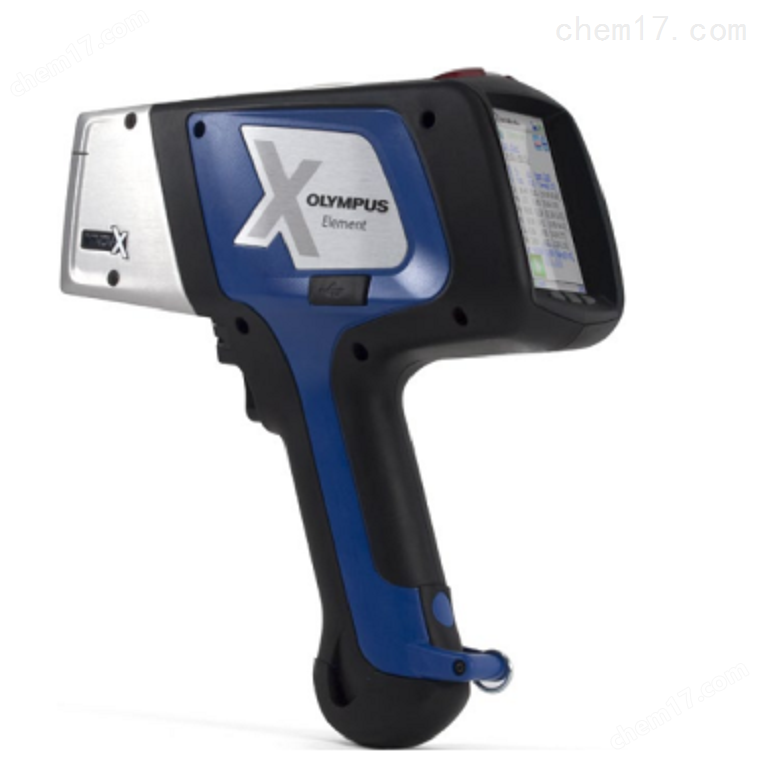
The metal composition tester is widely used in fields such as alloy identification, waste metal sorting, and quality control. Its fast and non-destructive testing capabilities greatly improve work efficiency. However, in complex and ever-changing on-site environments, instruments often encounter problems such as inaccurate detection and slow response. Mastering the coping strategies for common malfunctions of metal composition testers is the key to ensuring reliable data.
Problem 1: Large deviation or poor repeatability of test results
This is a common problem. The main reason is the poor surface condition of the sample. Oil stains, paint, oxide layers, coatings, or rough surfaces can seriously interfere with signals. Solution: Be sure to clean the surface to be tested until the metal body is exposed, use sandpaper, grinding head or detergent to treat it, and keep the surface flat. Secondly, check if the measurement mode is correct, such as whether the combination of gold and silver matches (such as stainless steel, copper alloy, aluminum alloy, etc.), to avoid misjudgment. In addition, ensure sufficient measurement time and extend the testing time for low content elements or complex matrices to improve accuracy.
Problem 2: Unable to power on or no display on the screen
Check the battery level first, charge or replace the backup battery in a timely manner; Confirm if the power interface is loose or oxidized; Try holding down the power button for more than 10 seconds to force a restart. If there is still no response, it may be a fault with the motherboard or display screen, and it needs to be returned to the factory for repair. Attention: Avoid starting up at harsh temperatures, as low temperatures can significantly reduce battery performance.
Problem 3: The gun head does not respond or prompts "blocked light path"
Check if the measuring window is covered by dust, metal shavings, or protective film, and carefully clean it with a dedicated cleaning cloth or compressed air; Confirm if the safety interlock device is functioning properly, as some instruments will automatically lock when not fully attached to the sample; Check if the shutter mechanism is stuck and do not forcefully press it.
Problem 4: Abnormal alarm or software error occurs
If there are issues such as "radiation warning" or "calibration failure", the use should be immediately stopped. First, try restarting the instrument; Check if regular calibration is required, using standard sample blocks for calibration operations; If there are frequent errors, it may be due to aging of the detector or X-ray tube, and it is necessary to contact the manufacturer for professional diagnosis.
Problem 5: Data cannot be transmitted or software connection fails
Check if the Bluetooth or USB connection is stable; Confirm whether the supporting software is the latest version; Restart devices and terminals (such as mobile phones and computers); Check if the data export path is set correctly.